When Should You Switch HRMS Software? 12 Warning Signs + Migration Checklist
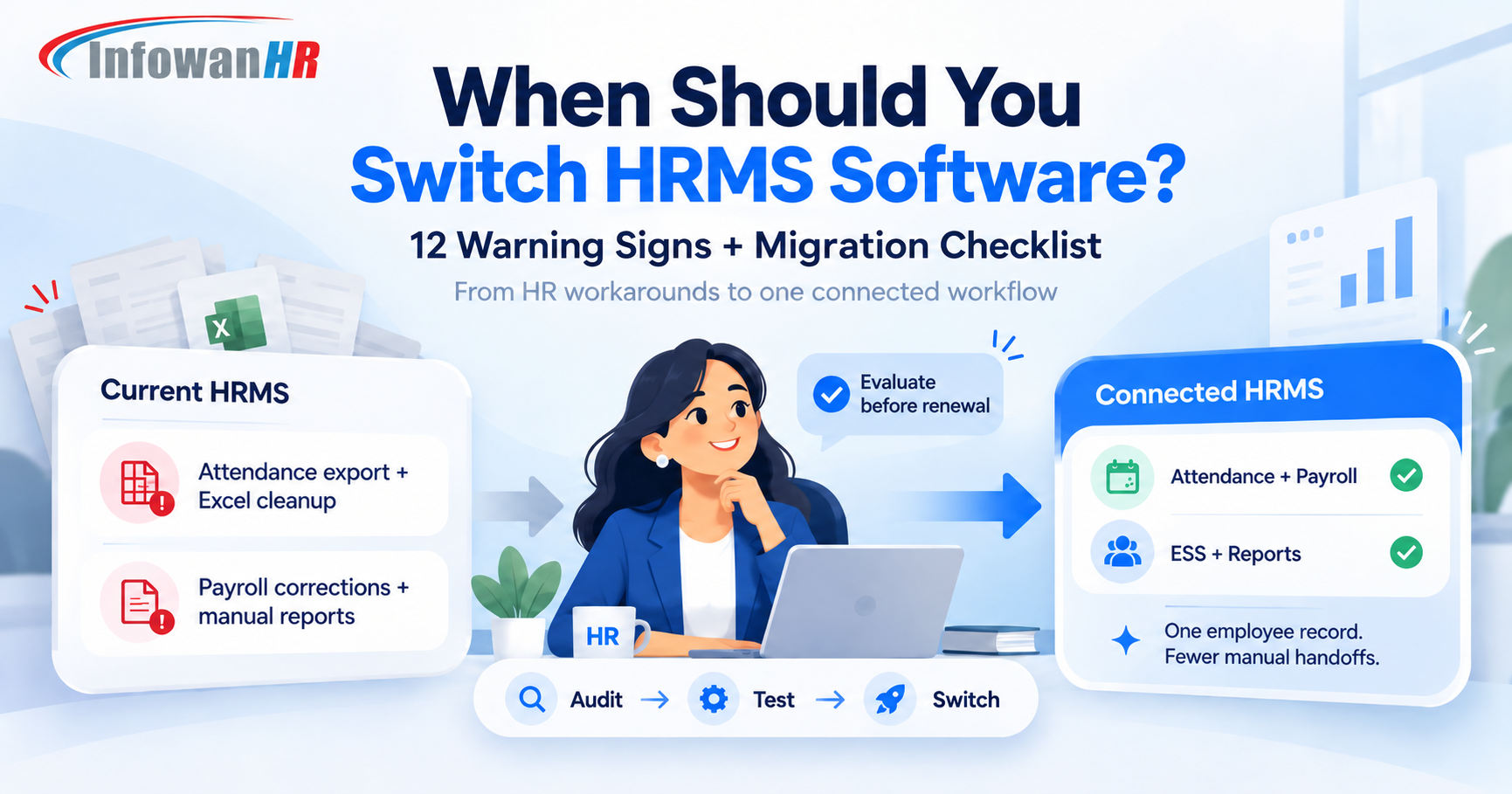
When should a company switch HRMS software?
A company should consider replacing its HRMS when the system creates repeated manual work, does not connect attendance with payroll, performs poorly for mobile or field employees, cannot support new locations or policies, causes recurring payroll corrections, or makes reporting and employee self-service harder than they should be. The best time to evaluate alternatives is before renewal pressure forces a rushed decision.
Quick self-check: Is your HRMS becoming a bottleneck?
Your HRMS is supposed to remove administrative work. If HR still spends every month exporting files, correcting attendance, rebuilding reports, answering the same employee questions and checking whether payroll data actually matched, the problem may no longer be the process. It may be the system.
That does not mean every frustration requires a migration. Sometimes better configuration, training or integration fixes the problem. But when workarounds become the normal way of operating, evaluating a replacement is usually healthier than adding one more spreadsheet around the software.
12 Signs It May Be Time to Switch HRMS Software
Attendance still needs Excel before payroll
If biometric, mobile or field attendance must be exported, cleaned and re-uploaded before payroll, your HRMS is not functioning as one connected system.
Payroll corrections are a monthly ritual
Occasional exceptions are normal. Repeated late marks, leave mismatches, overtime corrections or LOP fixes every payroll cycle are a warning that upstream HR data is not flowing cleanly.
Employees depend on HR for routine information
If employees still message HR for payslips, leave balances, attendance records, tax documents or basic profile changes, employee self-service is not doing enough.
Field and mobile employees are outside the system
Sales, service, construction, logistics and multi-site teams need attendance workflows that work where employees actually work, not only at a desktop or fixed biometric device.
Already seeing 3 or more of these problems?
Bring your current HRMS pain list to an InfowanHR demo. We can focus the walkthrough only on the workflows you want to replace.
Growth creates more work instead of scale
Adding a new branch, department, entity, shift or policy should not require a new parallel process. If growth increases admin complexity faster than headcount, the system may have reached its limit.
Reports are built outside the HRMS
When HR exports multiple reports and combines them manually just to answer a management question, the system is storing data but not helping the business use it.
Your HRMS and other systems do not talk
Disconnected payroll, attendance, recruitment, finance or biometric tools create duplicate data entry and make it harder to know which record is correct.
Support problems stay unresolved too long
A feature gap is manageable when there is a clear workaround or roadmap. Repeated critical issues with no dependable resolution process eventually become an operational risk.
Permissions and auditability are too basic
As companies grow, access needs become more granular. HR, payroll, managers and employees should not all see or edit the same information.
Getting your own data out is difficult
A healthy HRMS should make normal reporting and data export practical. If every export requires vendor intervention, switching later becomes harder than it needs to be.
You pay for modules people avoid using
The real cost of HR software is not only subscription price. Low adoption means HR still performs the work while the company also pays for the platform.
Your processes are designed around software limitations
The clearest warning sign is when teams say, "We do it this way because the HRMS cannot handle the real process." Software should adapt to the business more than the business adapts to software.
Should You Replace the HRMS or Fix the Current One?
Switching software has a cost, so the right decision is not "new is always better." Start by separating configuration problems from platform limitations.
| Situation | Better first move |
|---|---|
| Users do not understand existing features | Training and process cleanup may solve more than a migration. |
| One workflow is poorly configured | Reconfigure or integrate before replacing the entire platform. |
| Manual work exists across attendance, payroll and reporting | Evaluate replacement HRMS options. |
| Mobile, field or multi-location needs are not supported | Evaluate platforms built for distributed workforces. |
| Data export, APIs or integration are consistently blocked | Treat portability as a core replacement requirement. |
| Renewal is approaching and major pain points remain | Start evaluation before the renewal deadline creates pressure. |
What HRMS Buyers Are Focusing on in 2026
Feature lists are becoming less useful because most established HRMS products can claim payroll, attendance, leave and employee records. The better questions are about how those features work together.
HRMS Migration Checklist: How to Switch Without Disrupting Payroll
A safe HRMS migration is not simply "export CSV, import CSV." It is a controlled move of employee data, policies, workflows, permissions, integrations and payroll history.
Planning an HRMS switch?
Show us your current workflow. We can map the attendance, payroll, leave and employee processes you want to move.
5 Common HRMS Switching Mistakes
What to Ask in Your Next HRMS Demo
A strong demo should show your real workflows, not only the vendor's best-looking dashboard. Bring your pain points and ask the vendor to demonstrate them end to end.
- Attendance to payroll: show a punch, shift rule, late mark or LOP reaching payroll.
- Employee self-service: show payslip, leave, attendance and profile tasks from the employee side.
- Mobile workforce: show how field employees mark attendance and how HR reviews it.
- Data migration: show the import format and explain how history, balances and documents are handled.
- Roles and permissions: show what HR, payroll, managers and employees can each access.
- Reporting: ask for a report your management actually requests.
- Exit strategy: ask how your data can be exported if you change systems again later.
How InfowanHR Fits an HRMS Replacement Project
InfowanHR is designed as a connected HRMS rather than a collection of isolated tools. Businesses can bring core employee records, attendance, leave and payroll into one workflow, while extending into employee self-service, mobile attendance, recruitment, onboarding, performance, training, task and timesheet management, and other workforce processes as needed.
For organisations replacing an existing HRMS, the important discussion is not whether a module exists. It is whether the new workflow removes the manual steps that caused the switch in the first place.
Central employee records and lifecycle information.
Biometric, mobile and field attendance workflows.
Attendance-linked payroll processing and employee outputs.
Employee access to routine HR information and requests.
Recruitment, onboarding, performance and training workflows.
Support for growing teams, departments and locations.
Frequently Asked Questions About Switching HRMS
Thinking About Replacing Your Current HRMS?
Bring your current pain points, workflows and migration questions. See how InfowanHR can handle attendance, payroll, leave, ESS and the employee lifecycle in one connected system.